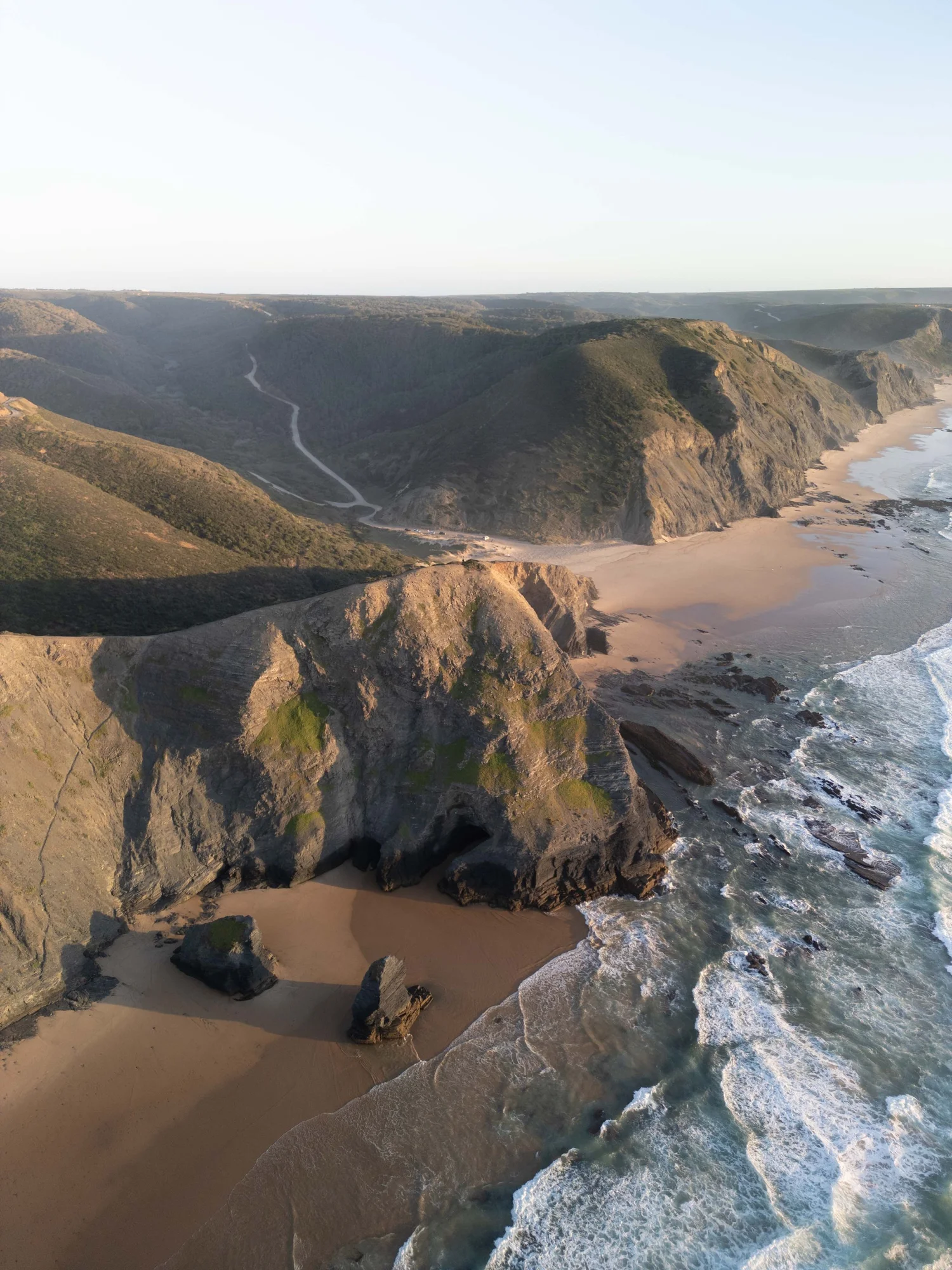
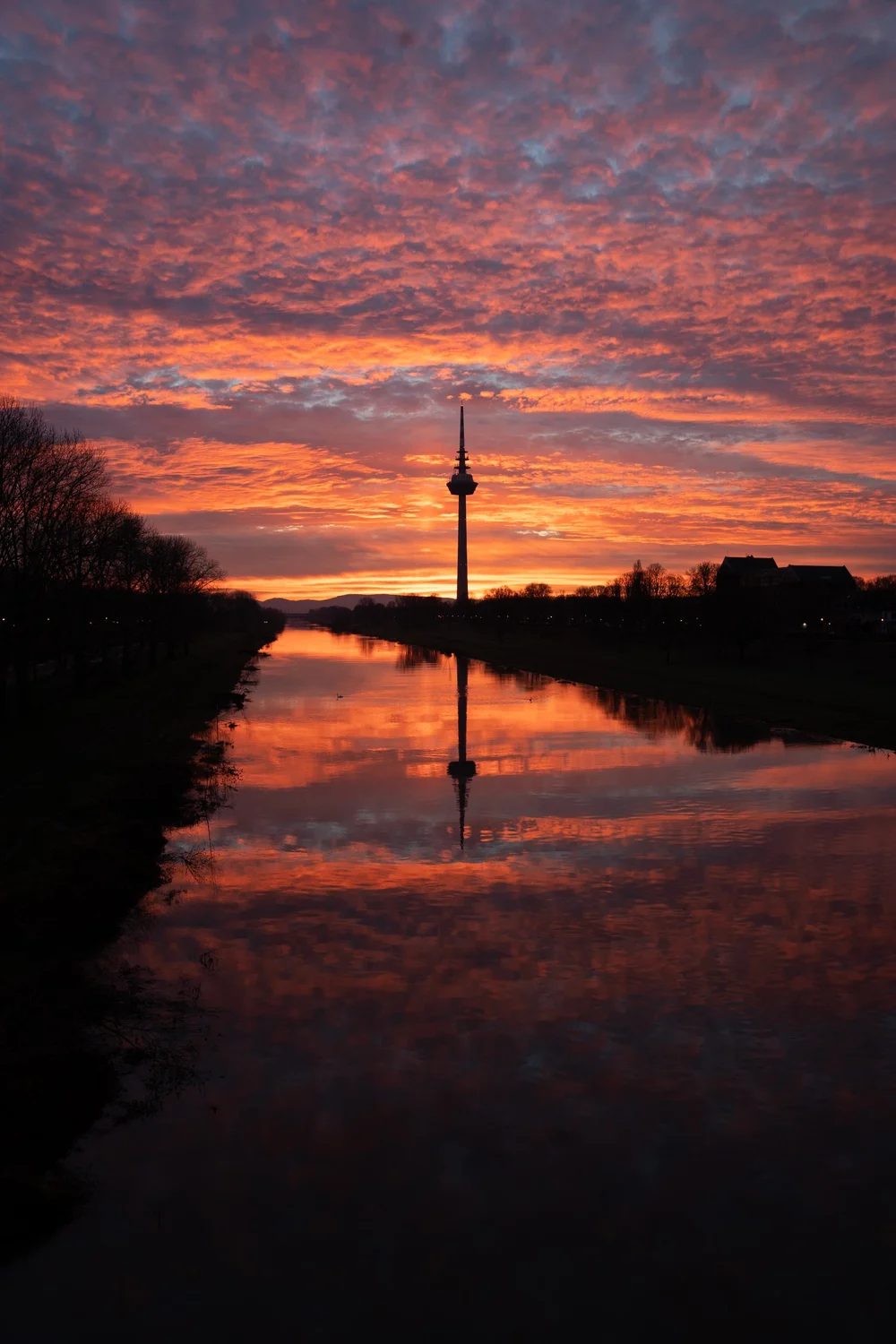
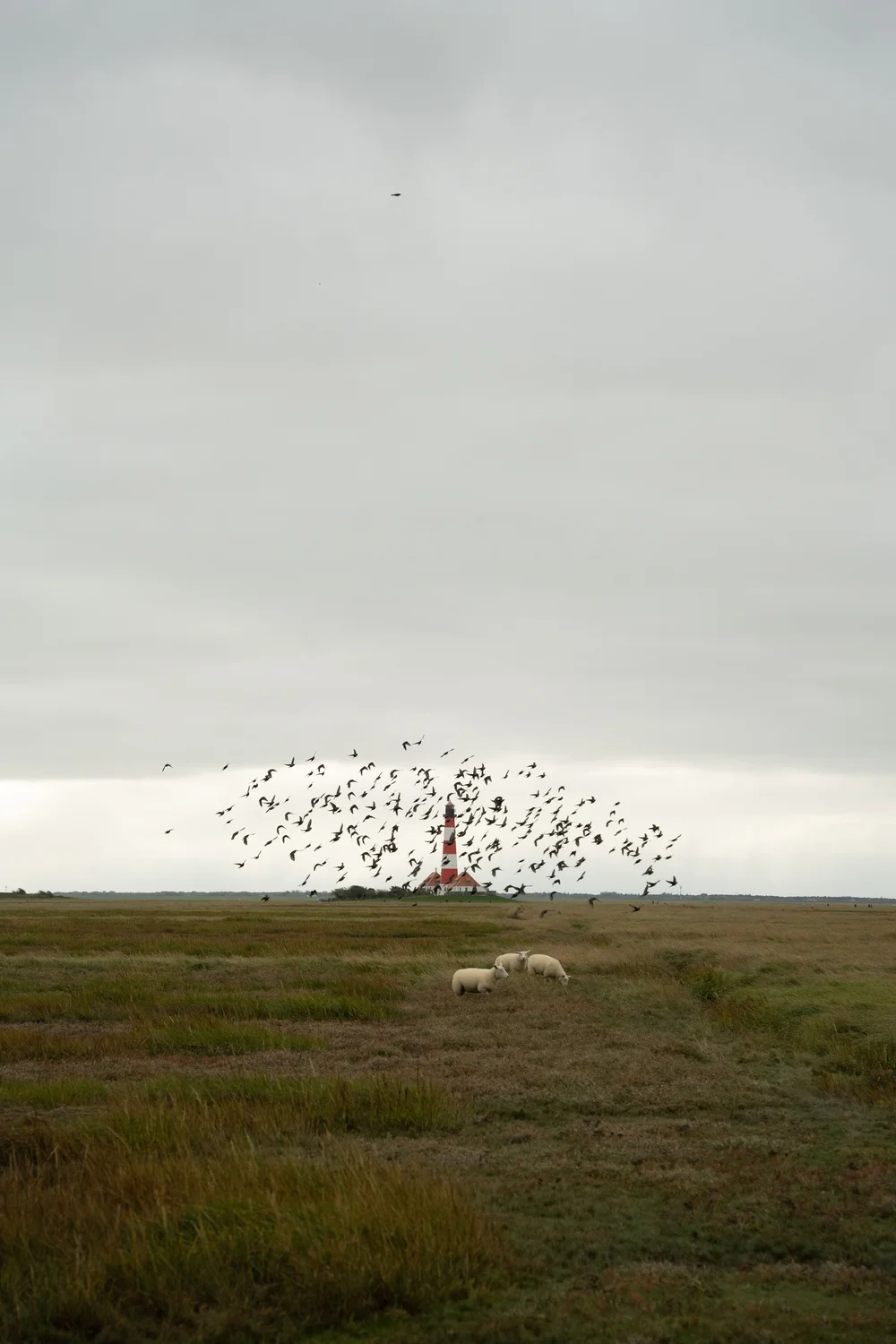
 Before · RAW
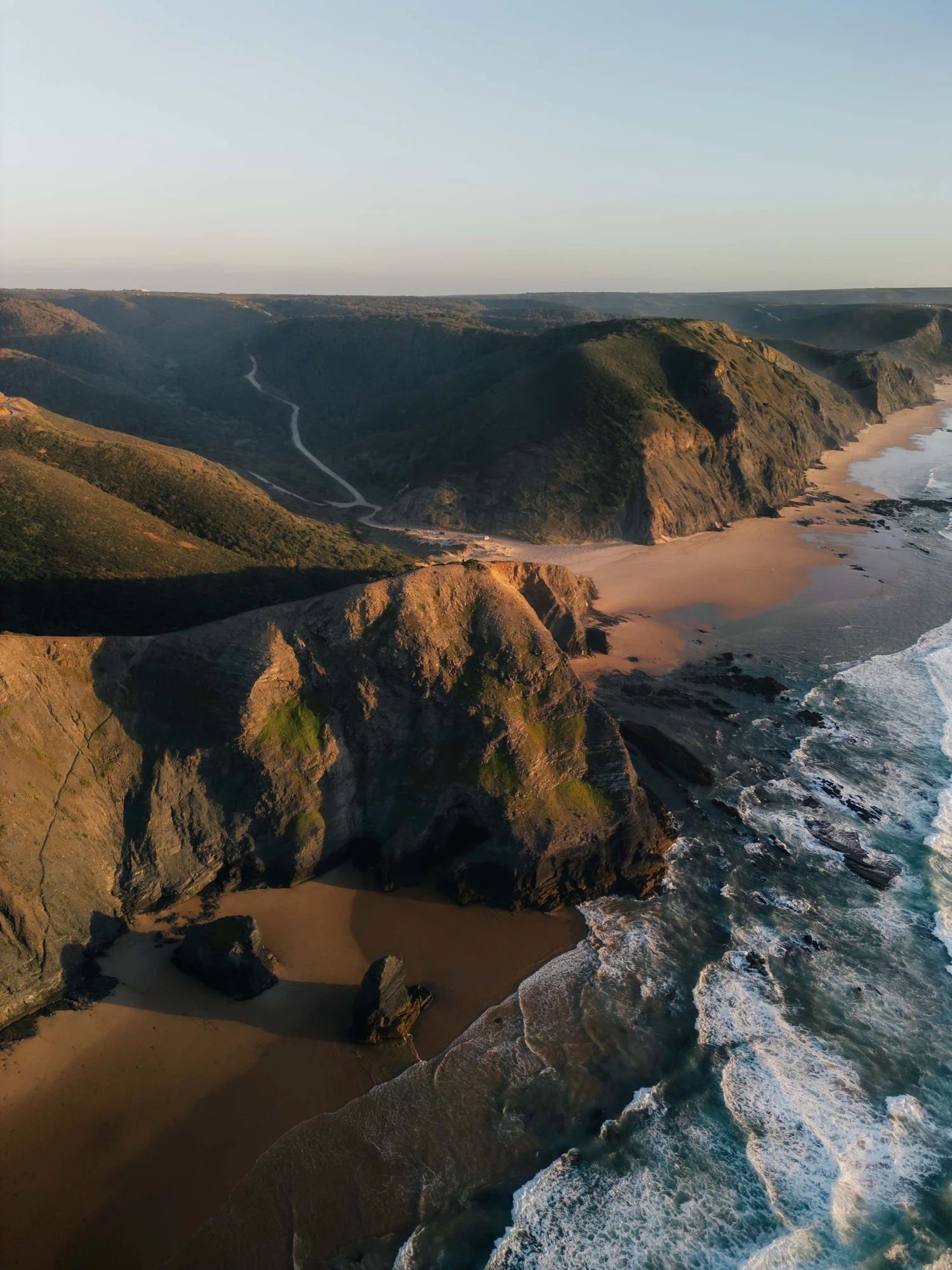 After · Edit
Framed Freedom · Lightroom Course
From flat images to a look that feels like yours.
Understand light, contrast and colour. Build a clear editing process – without copying presets or starting again with every image.
Also available in German: Kurs auf Deutsch ansehen →
The visible difference
Not a preset pack. A process you can repeat.
You do not learn to copy my images. You learn to see what your own image needs – and why a decision works.
Three subjects · one idea
Understand first. Then decide with purpose.
Different types of light, but the same clear process from the first analysis to the finished image.
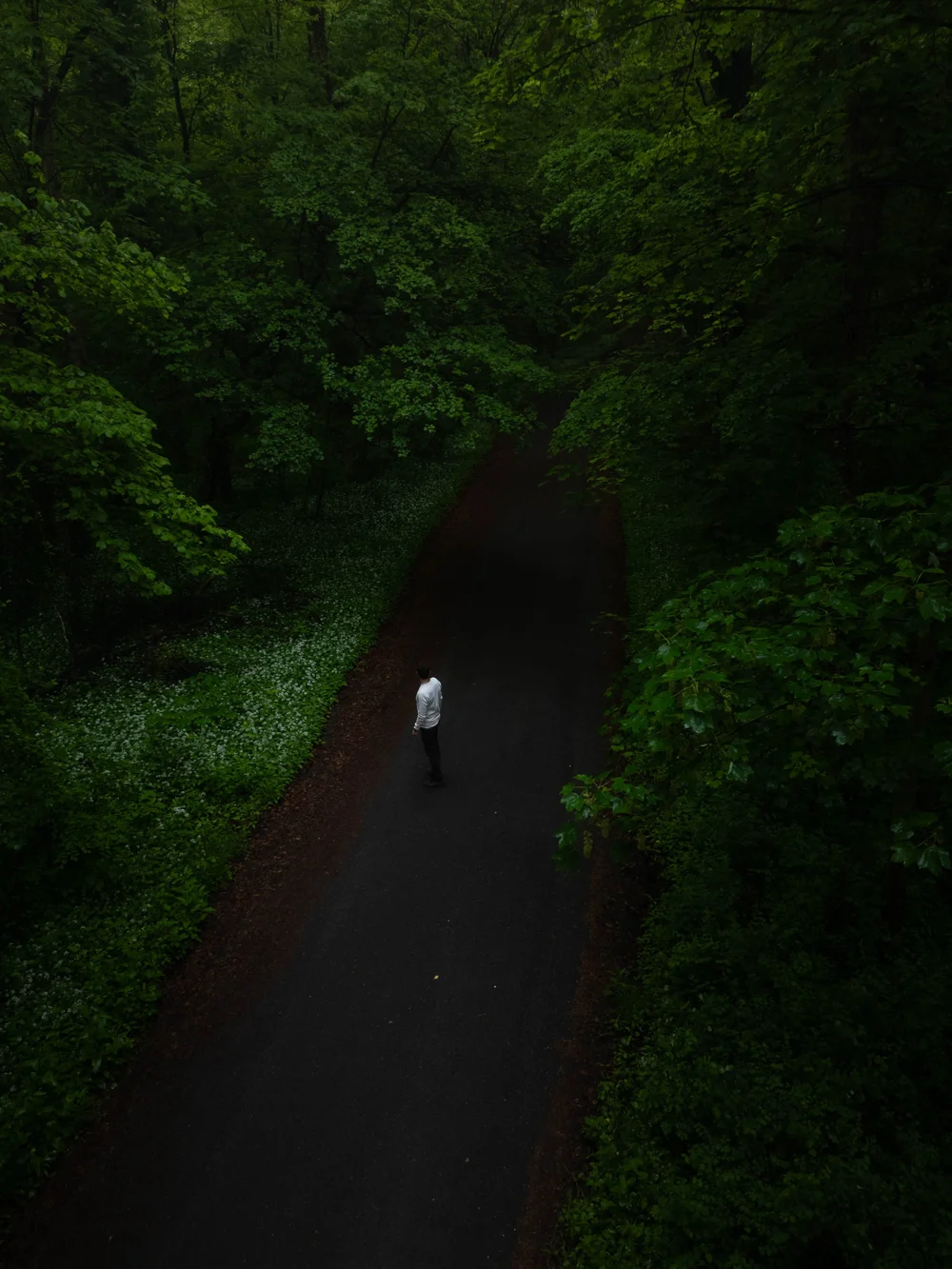 RAW
RAW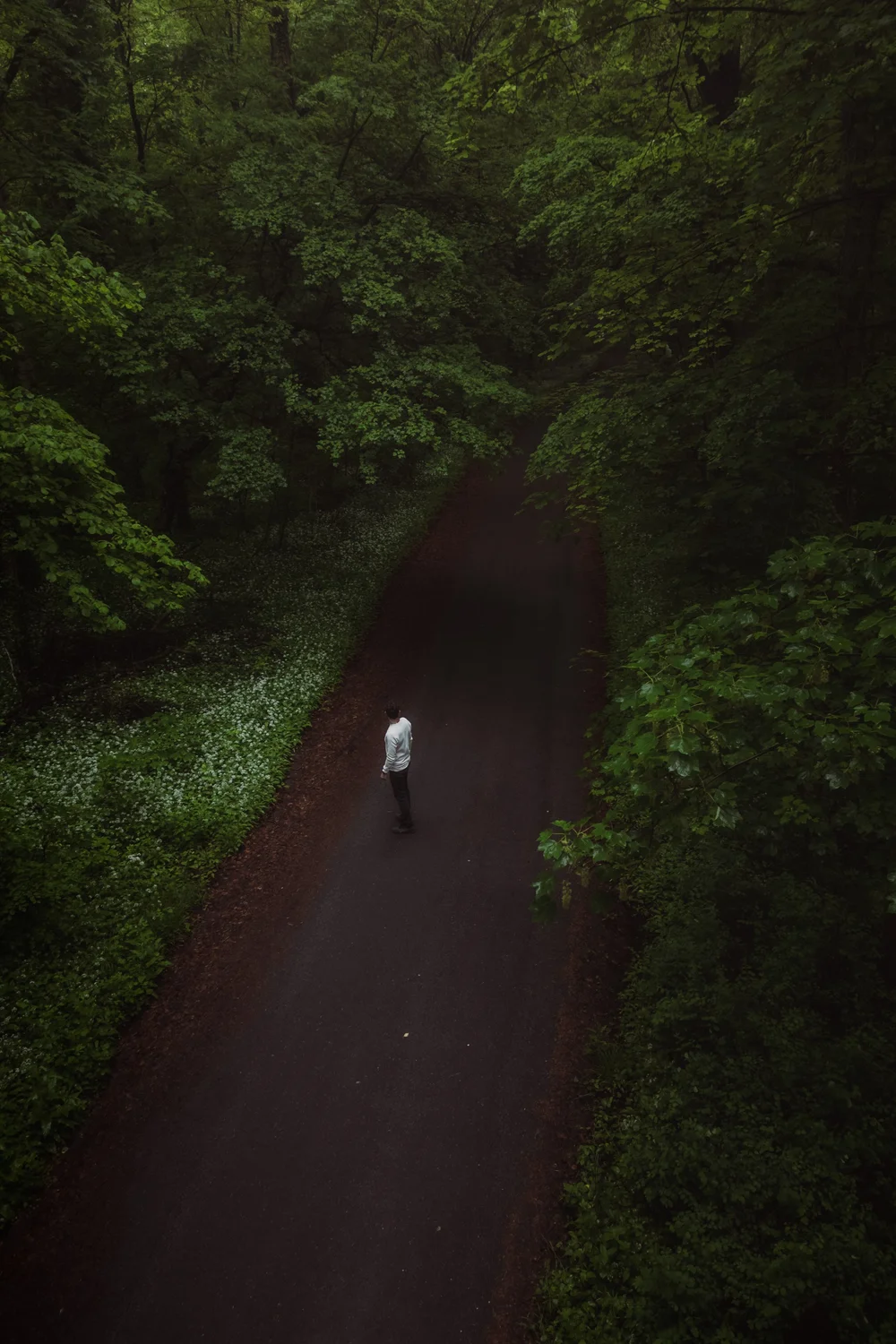 Edit
EditSpring forest · Calm and colour harmony
 RAW
RAW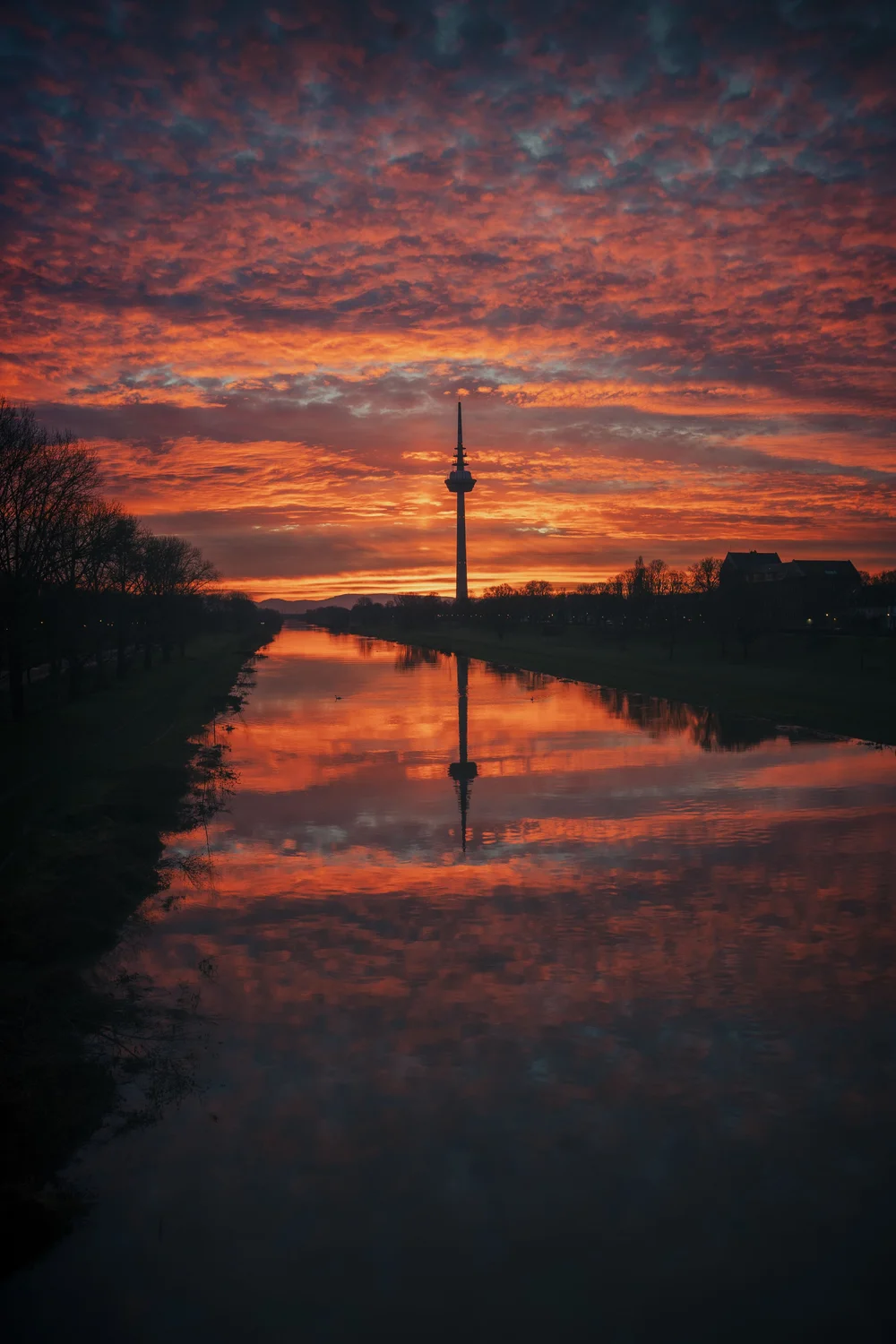 Edit
EditMannheim · Light and atmosphere
 RAW
RAW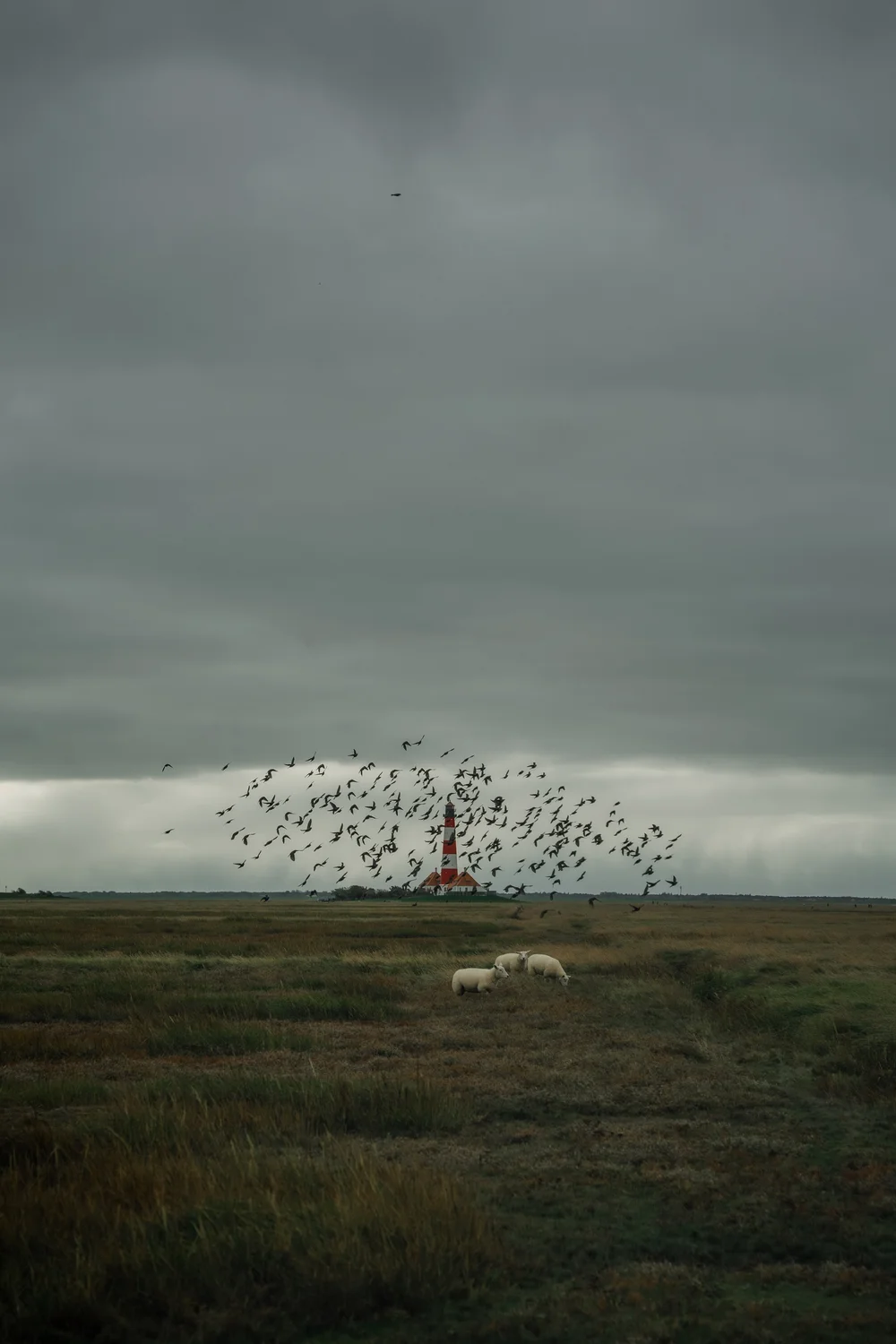 Edit
EditWesterhever · Contrast and mood
Maybe this feels familiar
You move sliders. But you have no clear direction.
What changes
You make decisions you can explain.
Course structure
Four modules. One clear path.
From learning to see with purpose, through the tools, to a style you can explain and repeat.
Foundations & style awareness
- Why finding your style is more than technique
- Why we start in black and white
- An overview of the full workflow
Understand sliders & use them with purpose
- Highlights, shadows, contrast and clarity
- HSL, luminance and intentional colour
- Seven complete editing workflows
Reflect on your style
- Understand your own photography style
- Analyse your images and edits
- Recognise your strengths and patterns
Consistency & confidence
- Strengthen your own visual style
- Review your edits instead of starting again
- Avoid common editing mistakes
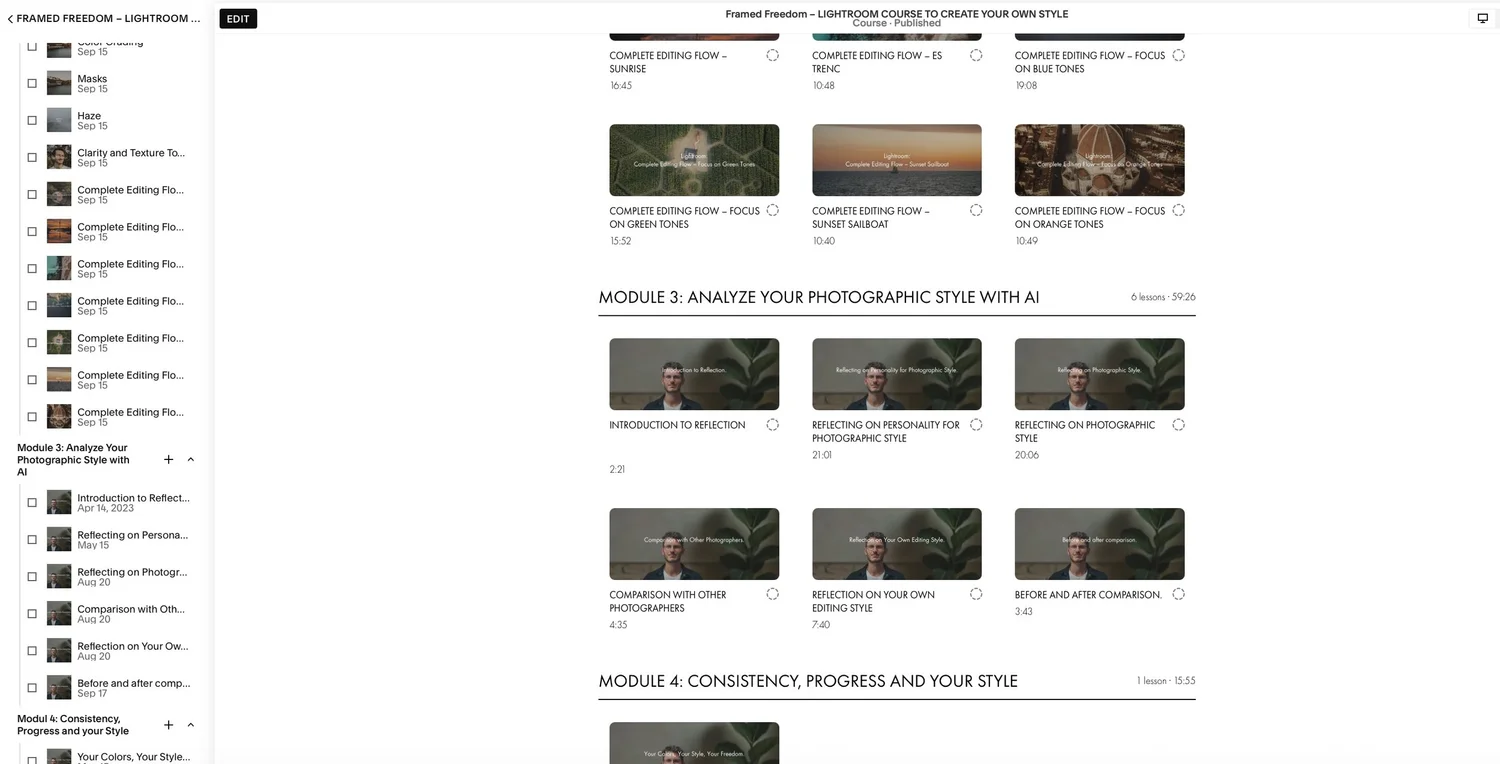
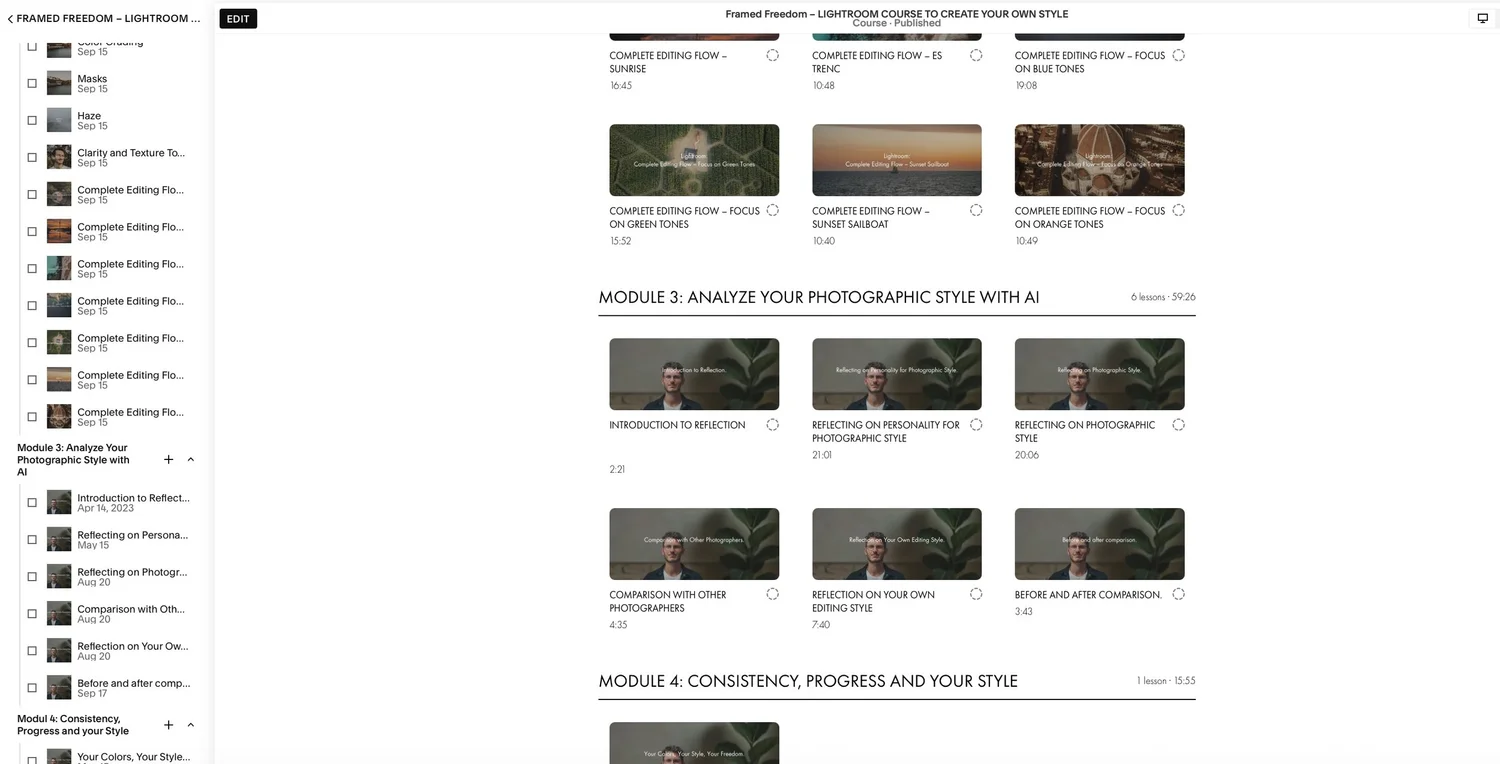
Inside the course
This is what learning in the course looks like.
No decorative mock-ups: these are the real lessons and the clear structure you will follow step by step.
Your instructor
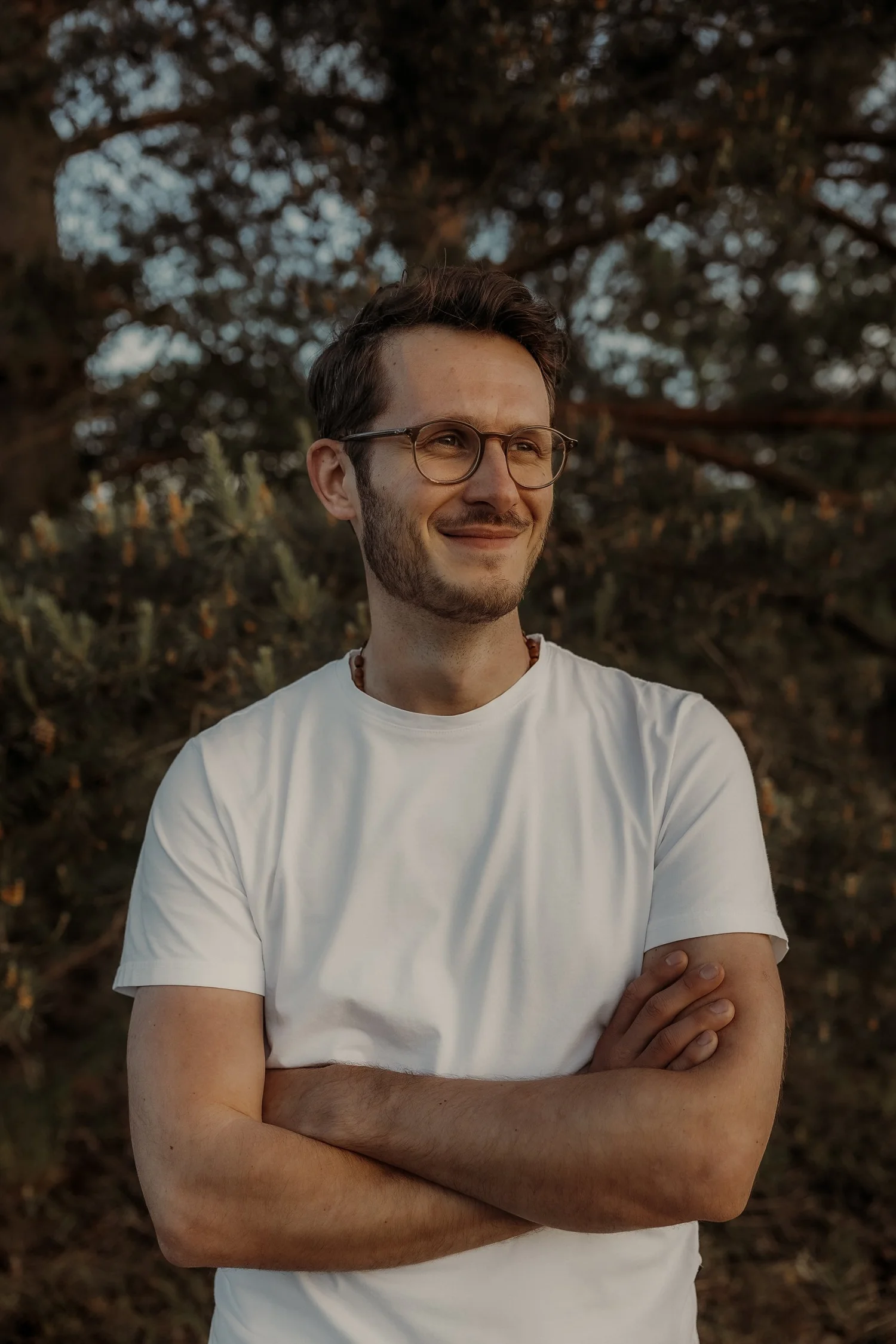
Florian Kirschbaum
I am a photographer and an IT director. Two worlds that both depend on clarity, structure and conscious decisions.
My goal is not to make your images look like mine. My goal is to help you feel more confident about your own decisions.
More about me →Is it right for you?
Who this course is for.
This course is for you if you …
- no longer want to copy other people’s looks
- want to understand why images work
- want a clear, repeatable workflow
- want to develop your own style with purpose
Probably not if you …
- only want quick effects
- want to copy ready-made settings
- expect one fixed answer for every image
- do not want to think about your own style
Meet your instructor
Before you buy: get to know me.
In 1:35 minutes, you will get a sense of who I am, how I work and whether my way of explaining feels right for you.
Frequently asked questions
What you may still want to know.
Do I need previous Lightroom experience?
Basic knowledge is helpful, but not required. The course guides you step by step through the relevant tools and decisions.
Do I need to use presets?
No. The focus is on understanding your own decisions and being able to repeat them.
How long will I have access?
You get unlimited access and can complete the course at your own pace.
Do I need any other software?
You need Lightroom for editing and developing your style. The style reflection in the course can be supported with the tools shown there.
How long is the course?
The course includes around four hours of video across four modules in a clear order.
Your next step
A process you can trust.
Four modules, seven complete edits and unlimited access – for a style built from your own decisions.
€69One-time payment · no subscription
Unlimited access · start immediately after purchase
You’ll receive a clear, structured process that makes you permanently independent of presets, trends, and other people’s looks.