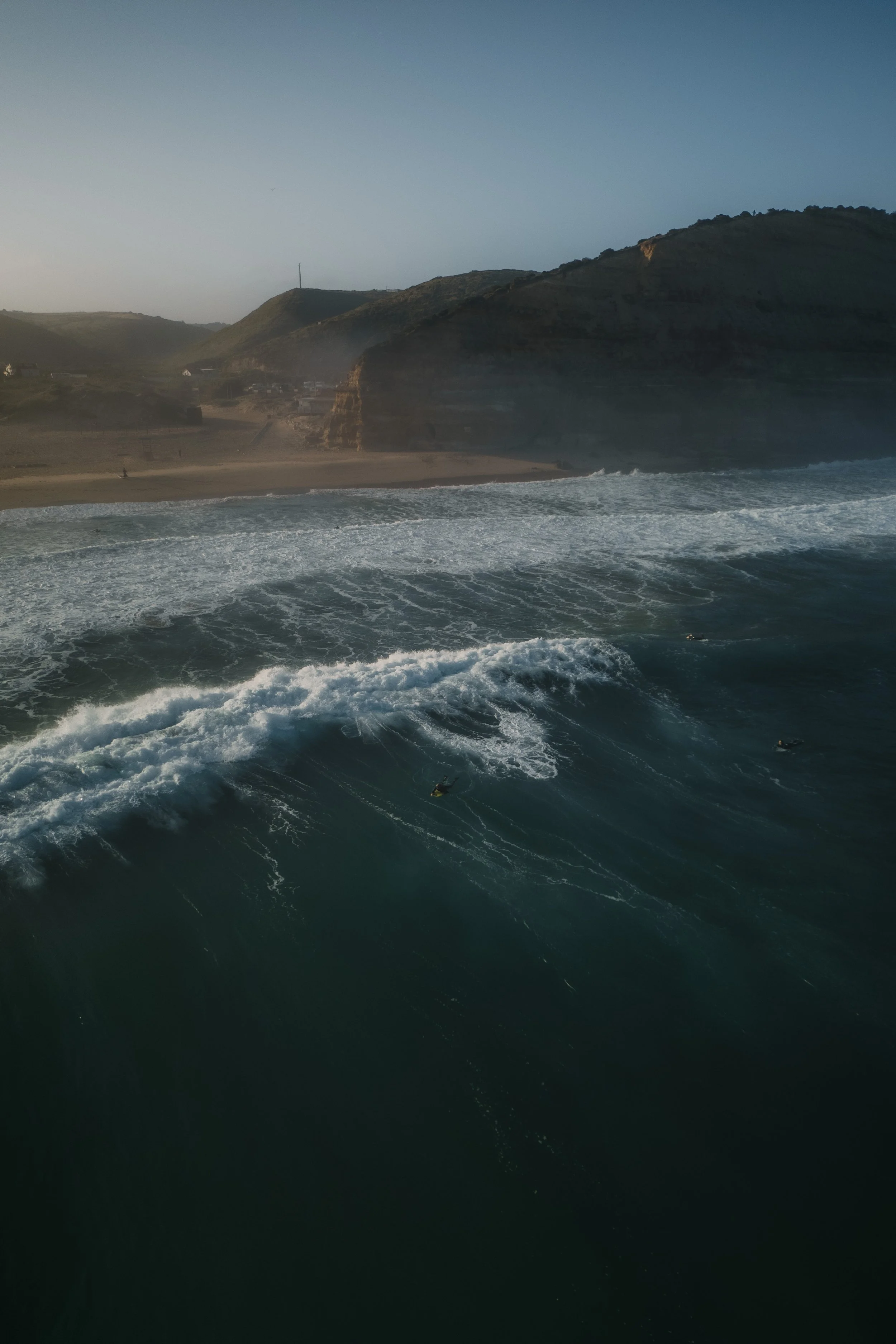
Many people start their editing process with color. They open Lightroom, make the image warmer, push the tones towards orange and teal, test different presets and hope that the atmosphere they imagined will finally appear.
I used to do exactly the same.
And at some point, I started noticing the same feeling in many of my own edits:
“Why do my images still feel somehow artificial?”
Or even worse:
“The RAW almost looked better.”
Why Many Lightroom Edits Start to Feel Artificial
A lot of people think the problem is their color grading. So they keep changing the colors:
warmer tones,
stronger saturation,
different HSL combinations,
more cinematic presets,
more contrast.
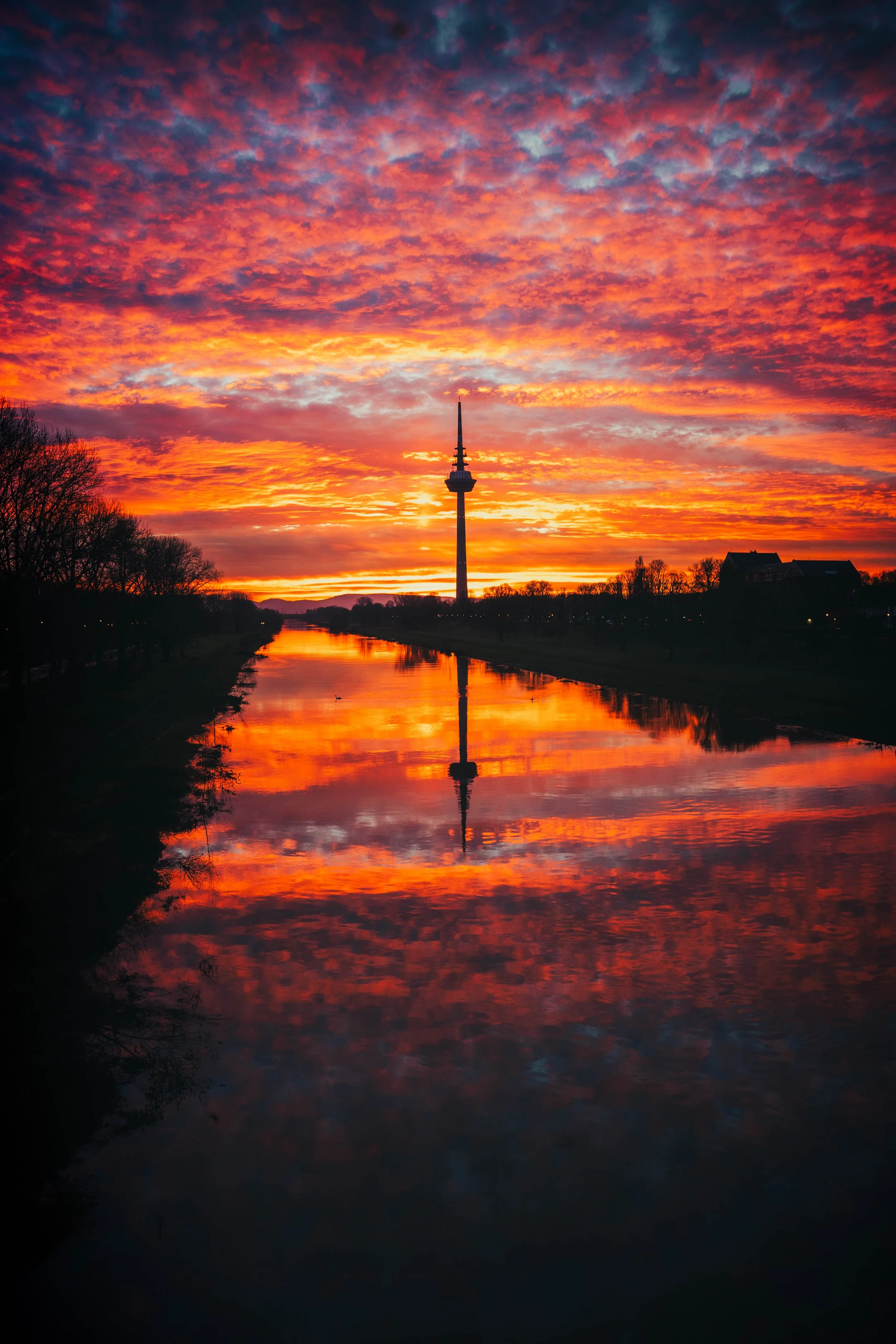
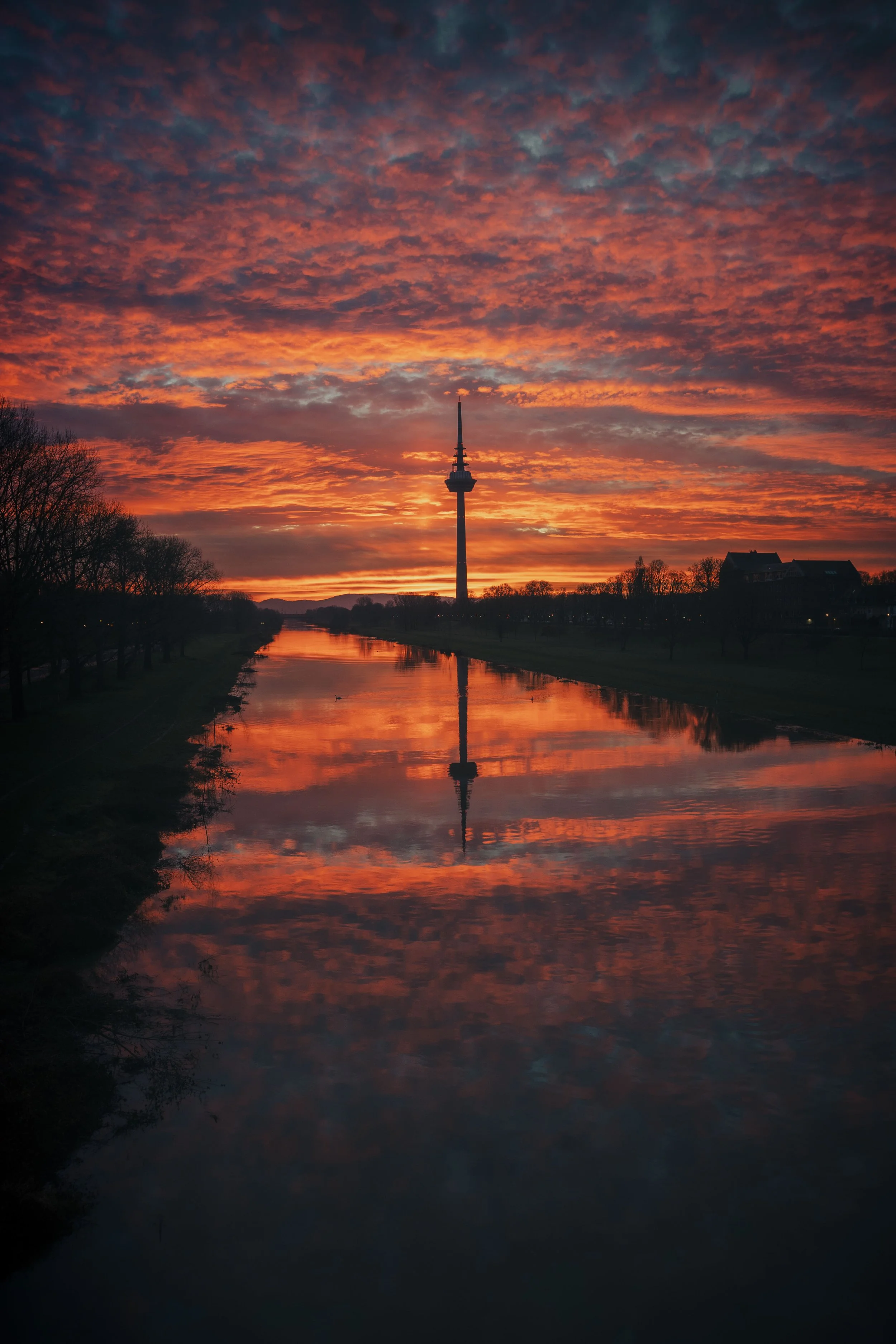
But often the image still does not feel right. Not because the colors are wrong — but because the foundation underneath them is unstable. The highlights might be too dominant. Shadows may feel flat. Certain parts of the image pull too much attention. The overall balance of light inside the frame simply does not feel calm yet. And that is exactly where many edits slowly become overprocessed. Because colors can hide these problems for a short moment… but they rarely solve them.
Why Many Photographers End Up Overediting
Overedit in Lightroom
Once the tonal balance of an image feels off, it becomes very tempting to compensate with color. You increase saturation a little more. Push the split tones further. Add stronger teal shadows or warmer highlights. For a moment, the image feels more cinematic. But often it also loses something at the same time:
its depth, its calmness, or the natural atmosphere that was there in the first place.
That is why many photographers eventually end up in a constant editing loop.
“Maybe I just need better colors.”
“Maybe this preset works better.”
“Maybe I need a different editing style.”
I know this feeling very well. But over time, I realised that I was trying to create atmosphere with color… before the image itself was actually carrying any atmosphere yet.
The Moment I Changed My Editing Workflow
Black and white to focus on light
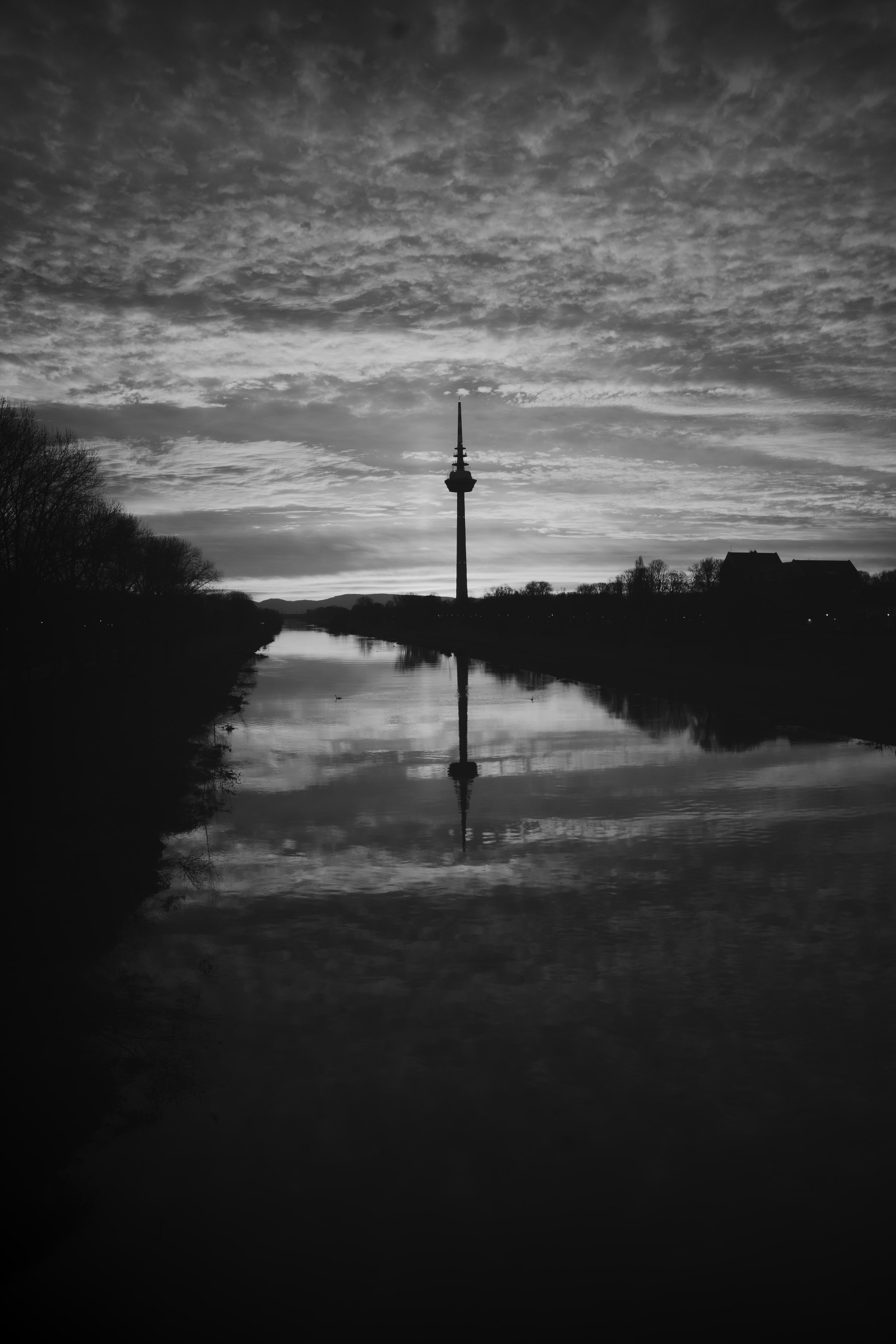
At some point, I started viewing my images in black and white first. Not because I wanted a monochrome look. I simply wanted to remove the distraction of color for a moment. And suddenly, many things became much clearer. Without color, I could immediately see whether the image itself already had balance. I noticed where the eye was drawn too strongly, where transitions felt too harsh or where the light inside the frame simply did not feel harmonious yet. For the first time, I stopped focusing on colors… and started focusing on light.
Why I Start My Lightroom Edits in Black and White
Today, I still begin many edits this way. I first adjust the exposure, highlights, shadows and overall luminance structure before thinking too much about color. I try to create a balanced and calm foundation first. Only afterwards do the colors slowly come back. And interestingly, this completely changed the way I edit. Once the tonal foundation feels stable, I usually need far less color grading than before.
Small adjustments suddenly become enough:
slightly softer saturation, subtle hue shifts or gentle luminance corrections often create a much more natural atmosphere than aggressive color grading ever could. The image no longer depends on color to create emotion.
Atmosphere Comes From Light Before Color
For a long time, I believed that colors were responsible for atmosphere. Today, I see it differently. I think colors mostly enhance a feeling that already exists inside the image. But whether an image feels calm, cinematic or emotional often depends much more on the light, the balance and the transitions underneath it. Maybe that is why some edits feel quiet and natural even though the color grading itself is relatively subtle. Not because they use stronger colors…
but because the foundation was built first before the colors tried to create attention.
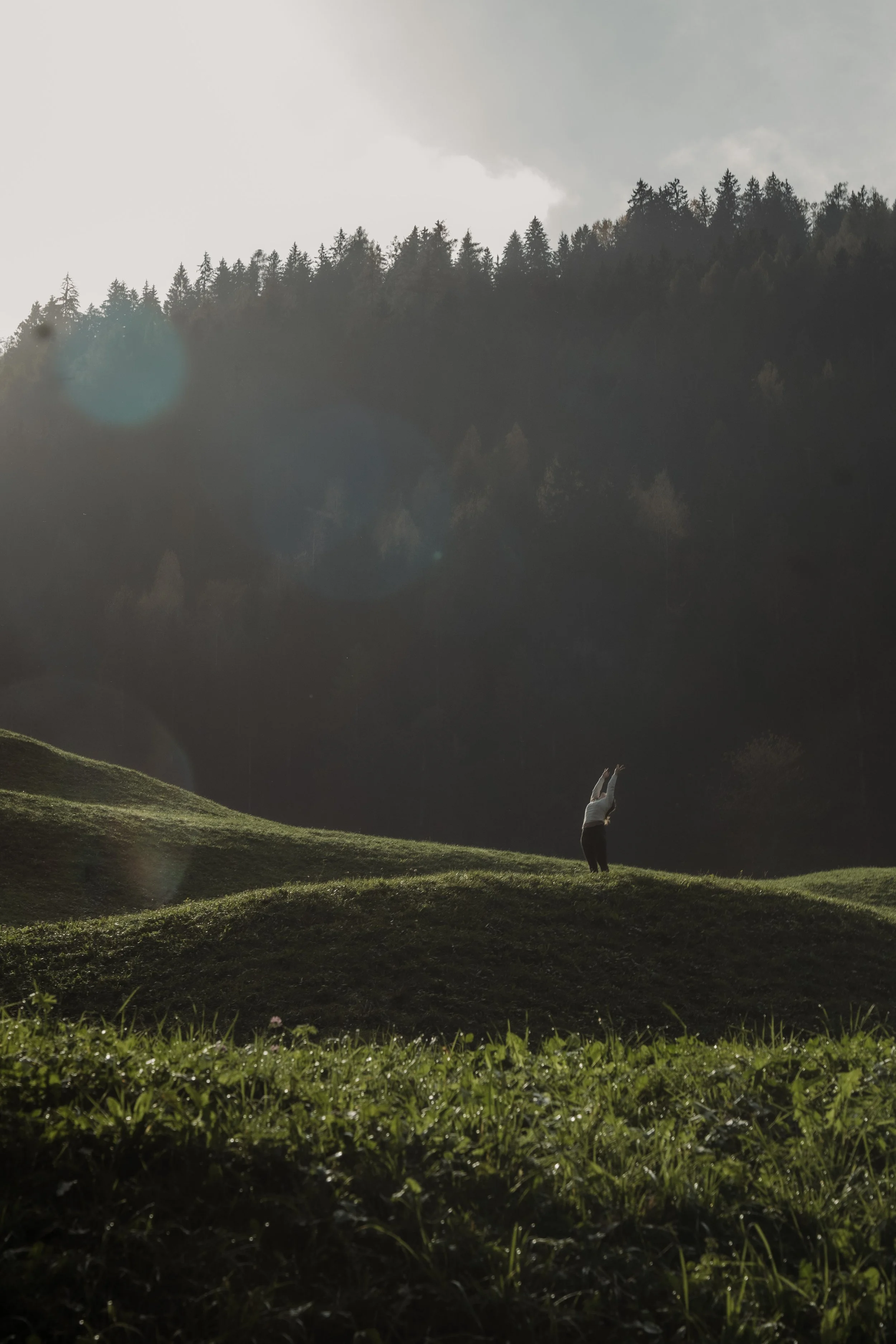
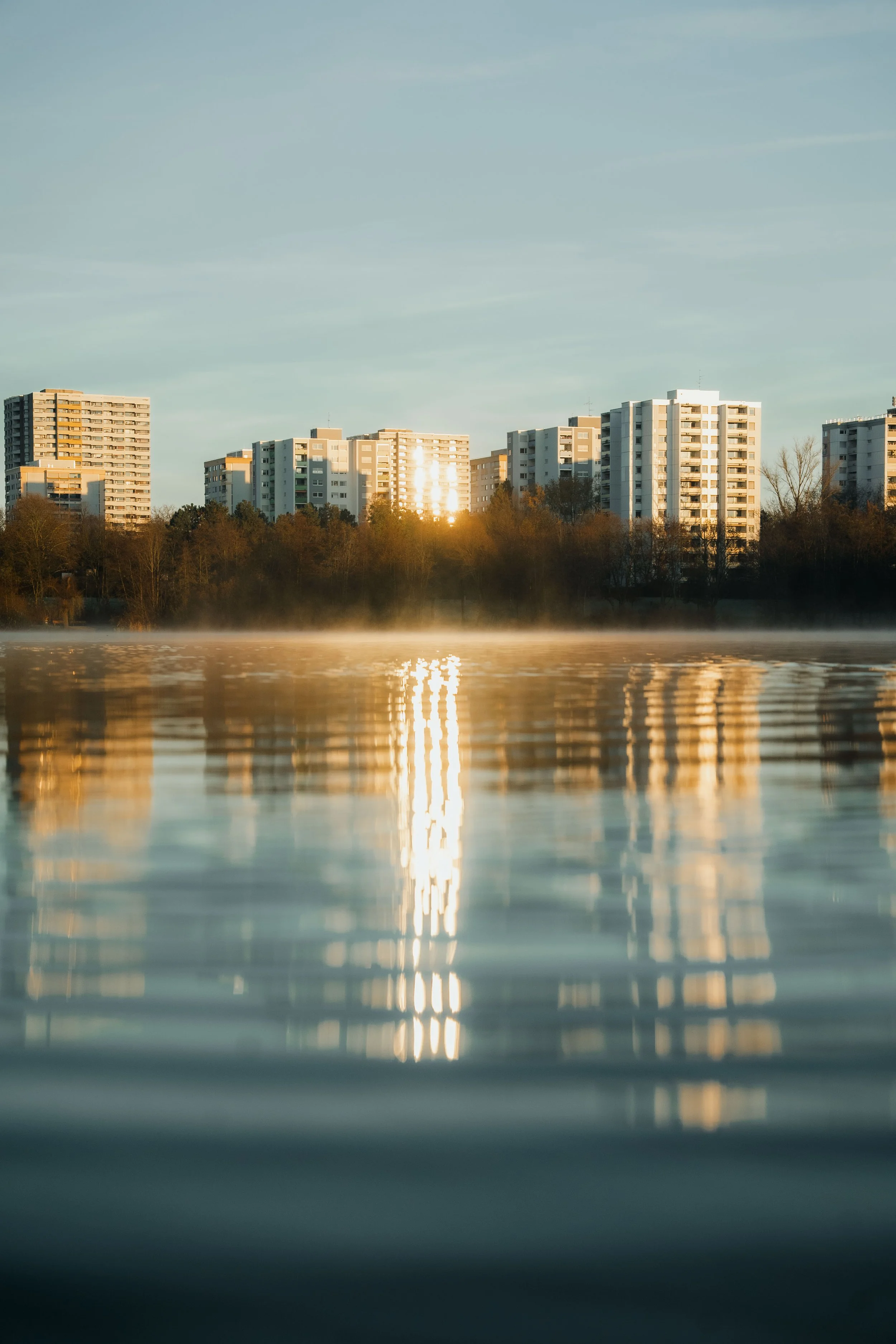
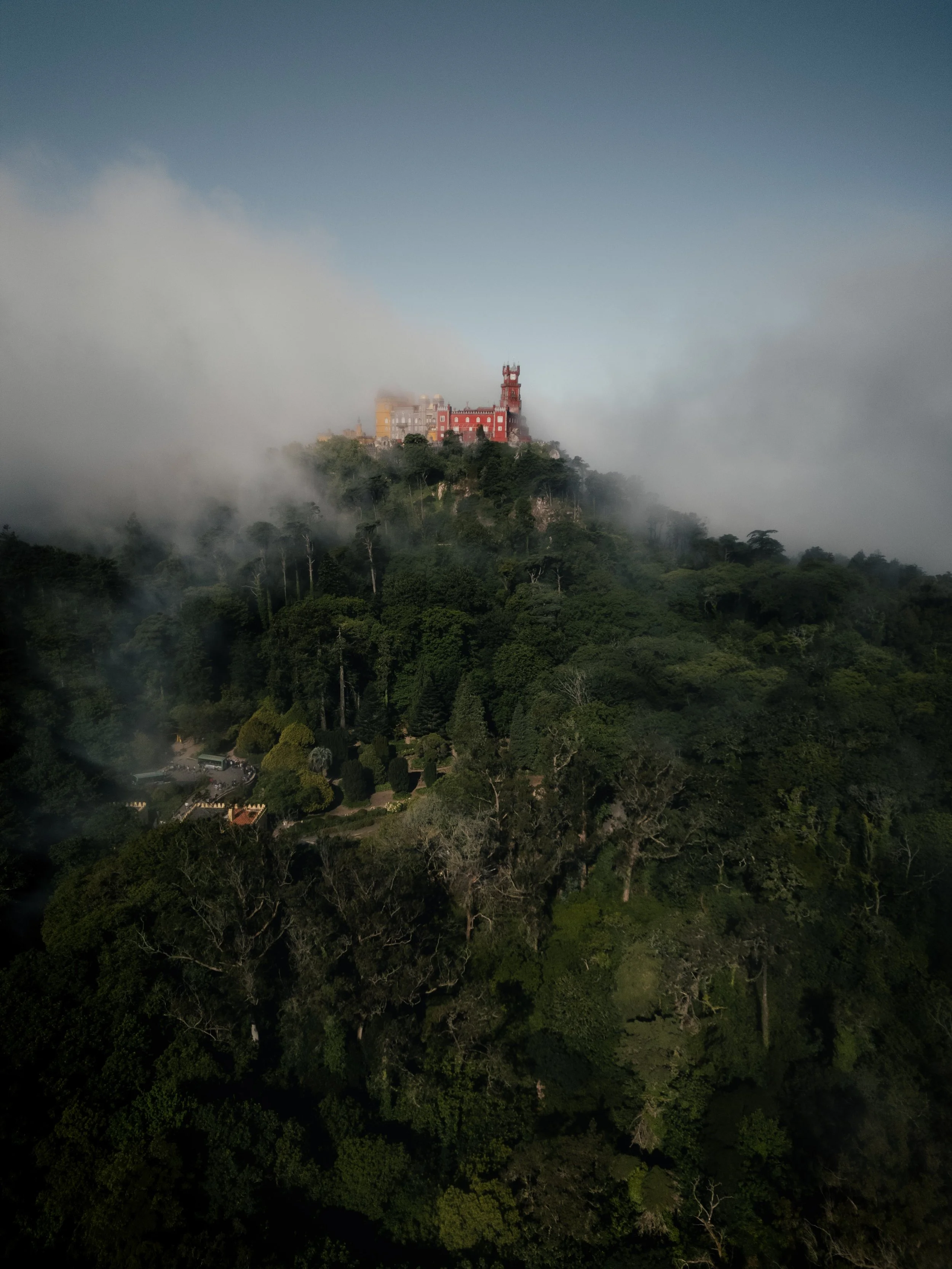
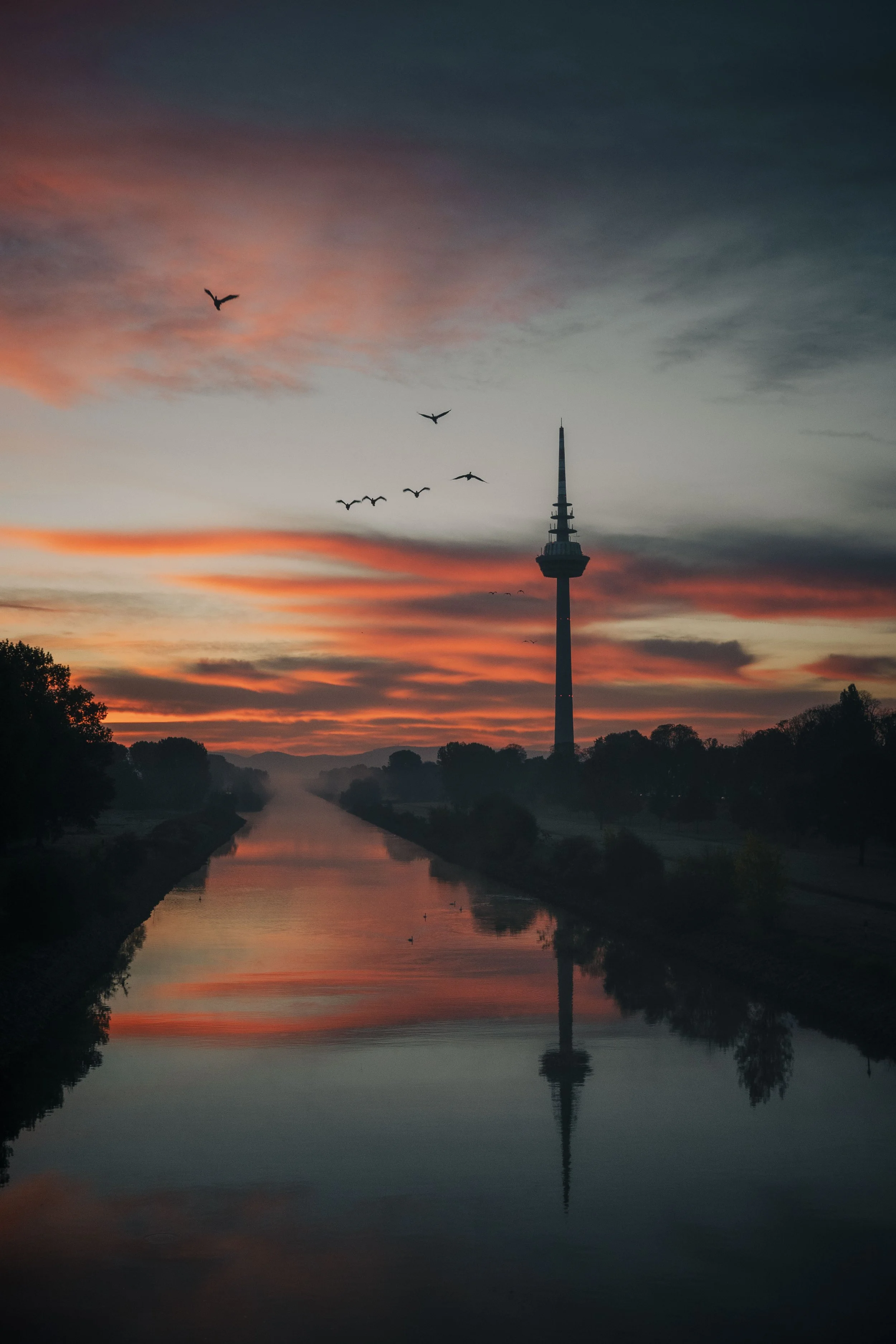
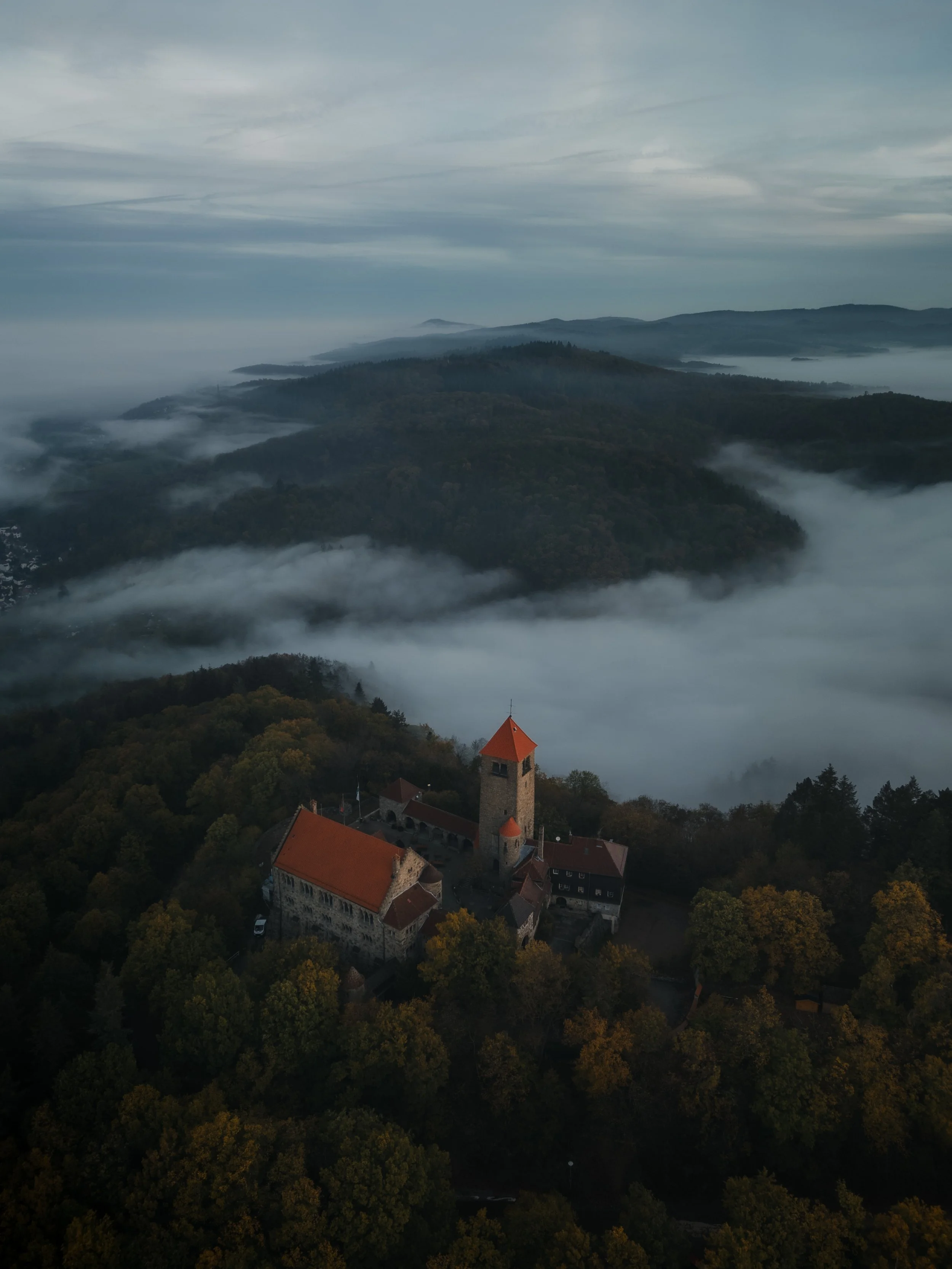
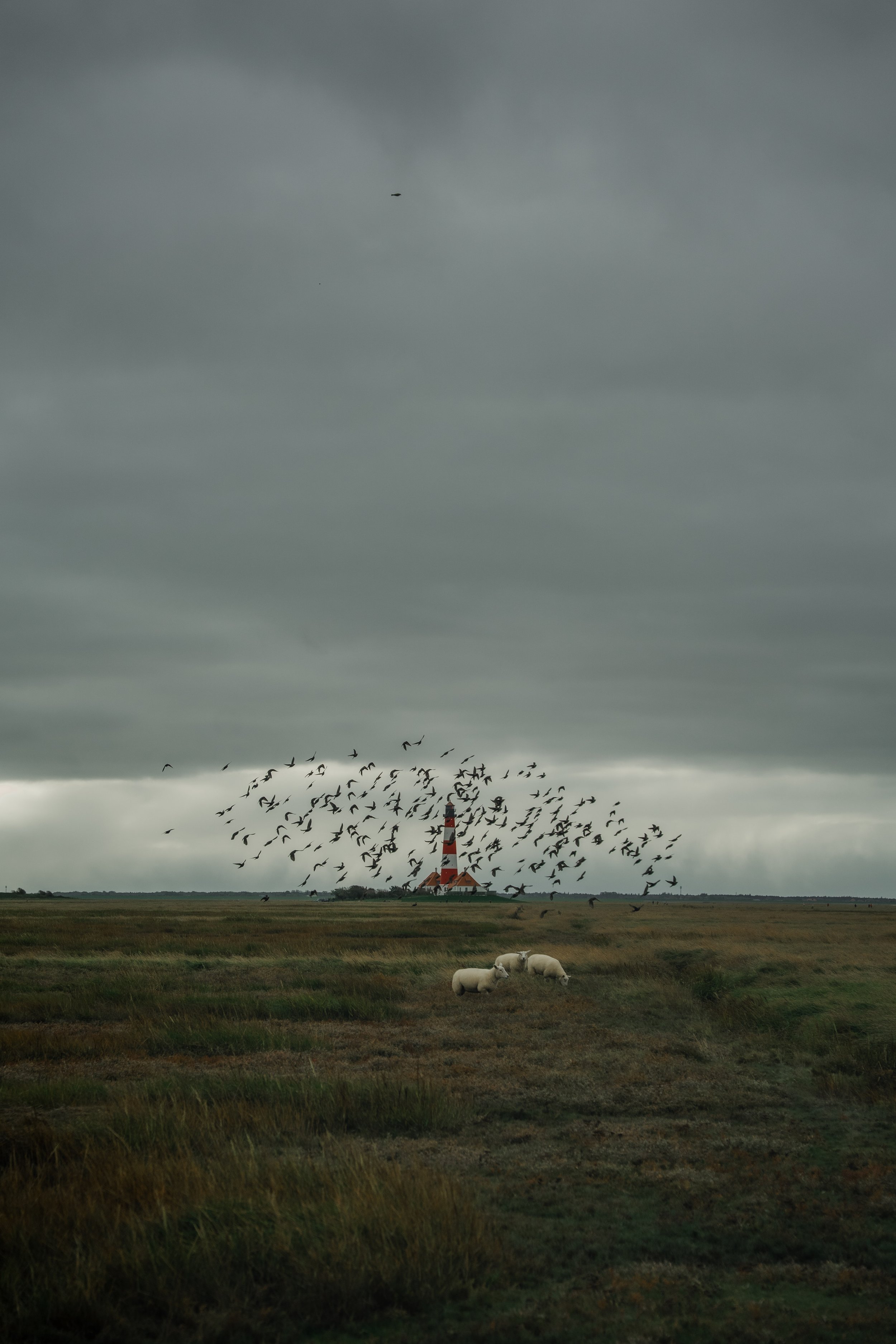

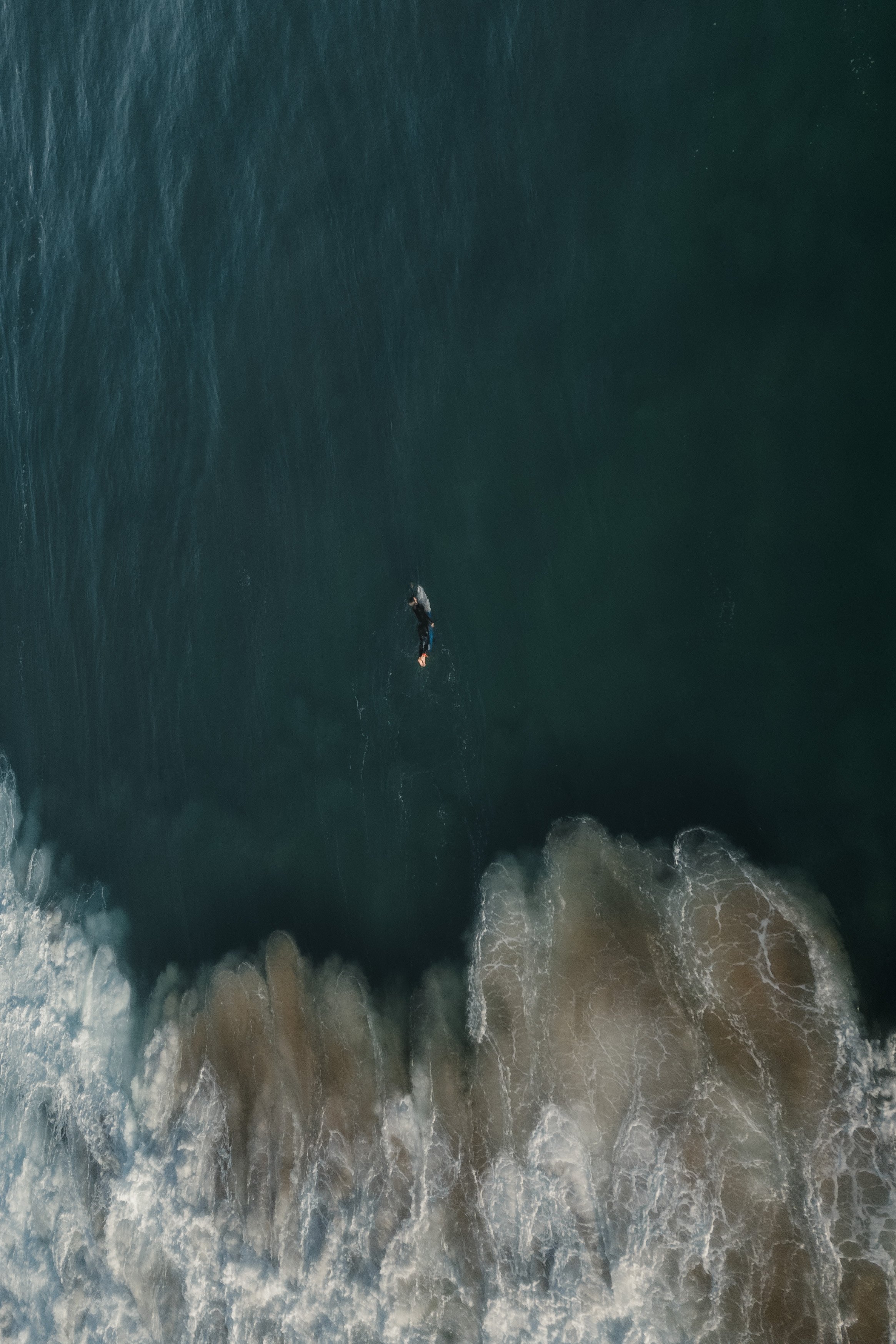

At first, starting a Lightroom edit in black and white may seem counterintuitive. After all, most of us care deeply about color. Yet removing color for a moment can reveal something more important: the light, balance and structure that hold an image together. In this article, I explain why I still begin many edits in black and white and how this simple approach changed both my editing workflow and the way I photograph.